If you are being prompted to repurchase a previously purchased app when re-downloading it or downloading it to a new device under the same Apple ID, try these troubleshooting steps:
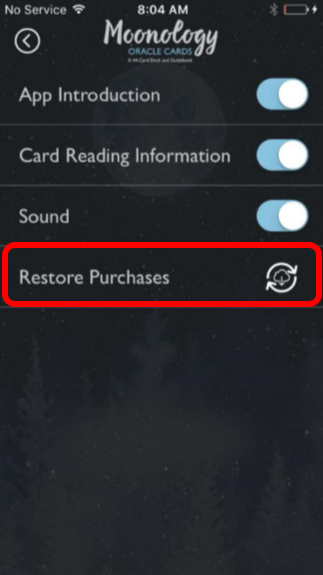
Restore Purchases
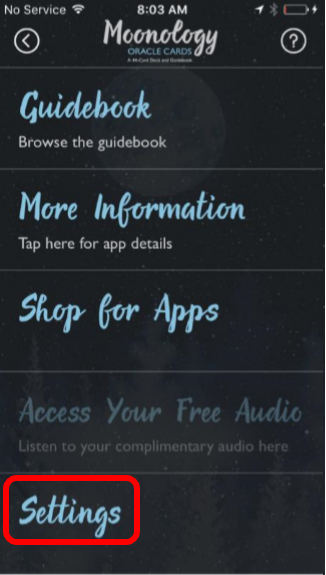
1. Open the app and go to Settings. 2. Tap "Restore Purchases"
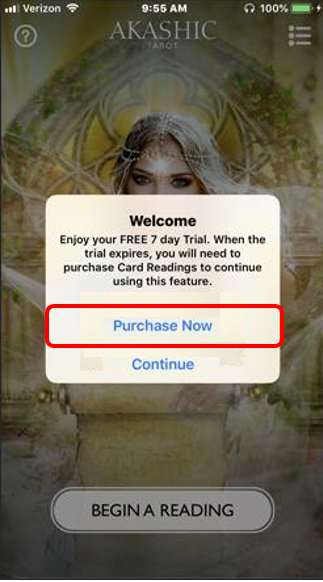
Purchase Now
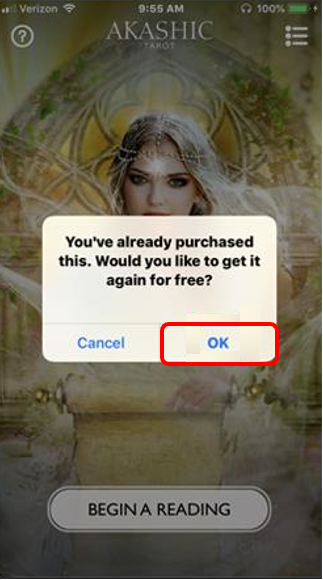
1. When prompted, tap "Purchase Now"
2. Sign-in under the Apple ID used to purchase the app. The app will recognize that you previously owned it and you will not be charged
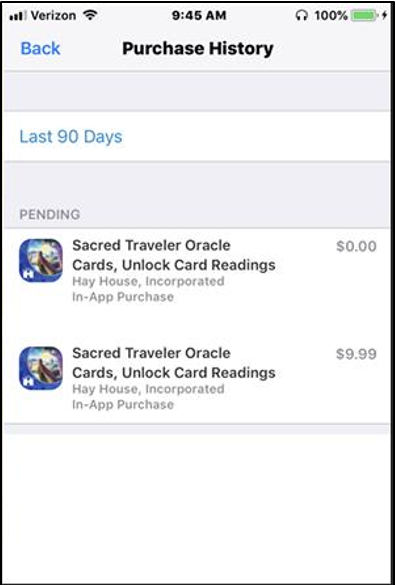
3. Your purchase history will show that you previously purchased the app and have received it again for free
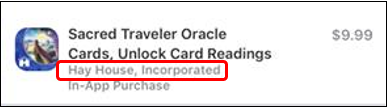
*Please note: These steps will only work for apps that have been downloaded from Hay House, Incorporated. Hay House, Incorporated apps will have the name displayed beneath the app name