
To learn how to Re-install an app to an Android device please visit the following link:
Reinstall & re-enable apps - Android - Google Play Help
Or, follow the steps below:
Step 1: On your Android phone or tablet open Google Play Store

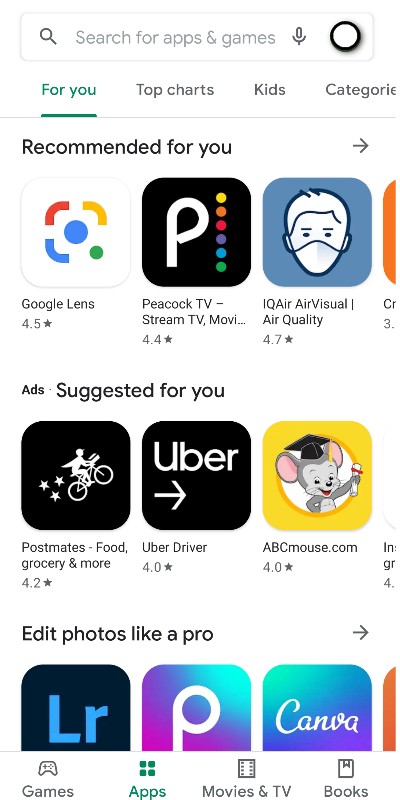
Step 2: Tap the Profile icon
Step 3: Tap Manage apps & device 
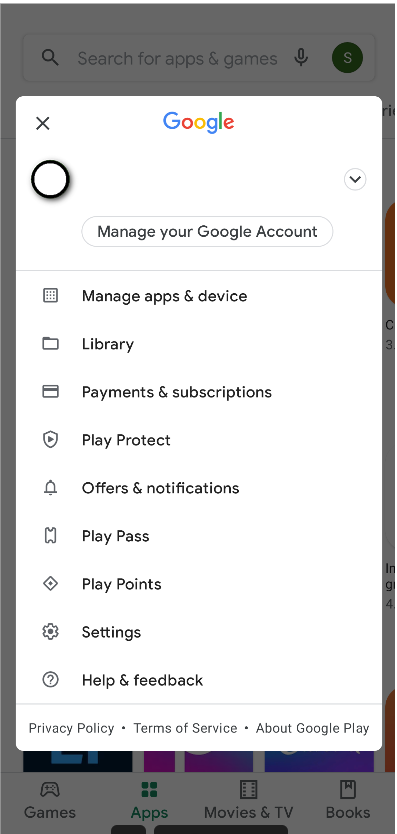
Step 4: Select the apps you want to install or turn on


Step 5: Tap Install or Enable

