On an iPhone, iPad, or iPod touch
1. Open the App Store app, then tap Today at the bottom of the screen.
2. Tap  or your photo in the upper-right corner, then tap Purchased. If you use Family Sharing, tap My Purchases or choose a family member’s name to see content that they purchased.
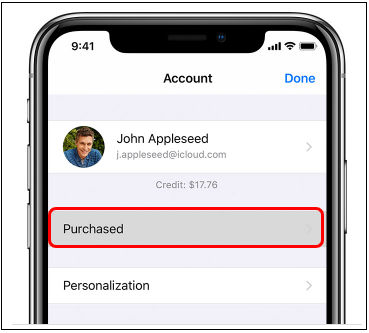
3. Tap "Not on this [device]."
4. Find the app that you want to download, then tap  . The app downloads to your device.
On a Mac
1. Open the App Store on your Mac.
2. Click  or your photo in the lower-left corner of the window. You might be asked to sign in with your Apple ID. If you use Family Sharing, you can choose a family member's name next to "Purchased by" to see their purchases.
3. Find the app you want to download, then click . The app downloads to your computer.