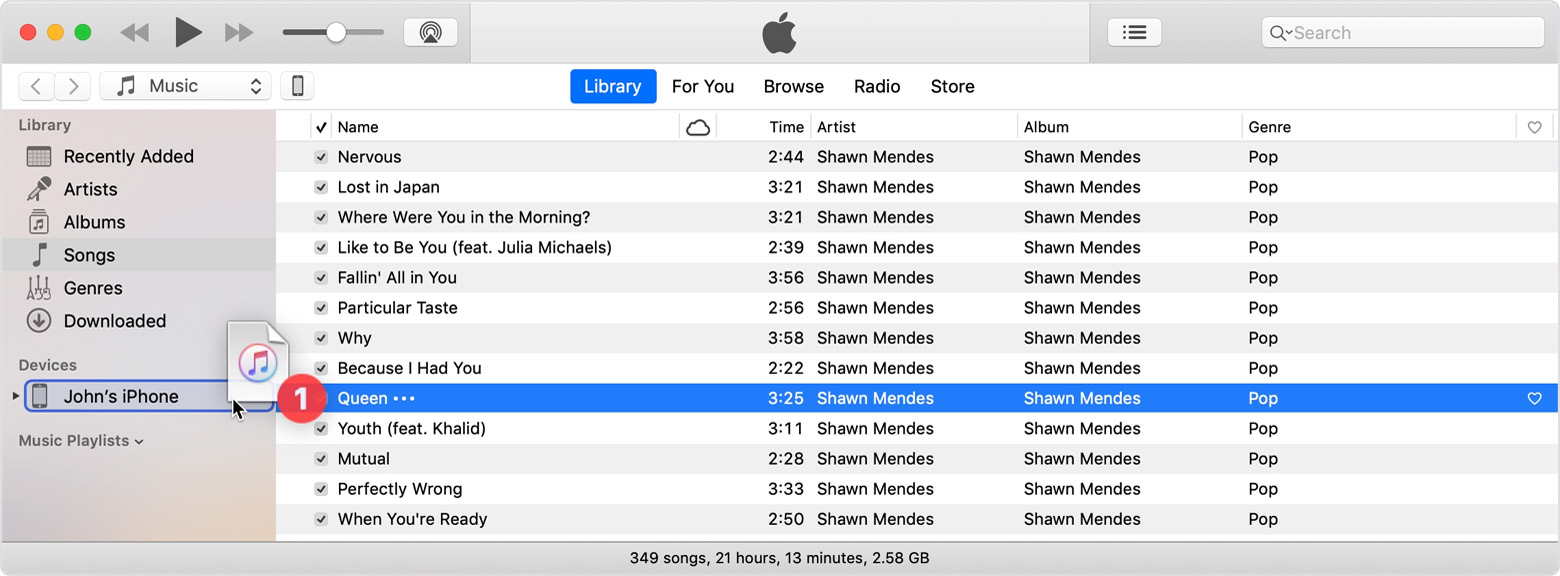
Please see the link below to Apple's Support Site for instructions on moving content from Apple Music on your computer to your devices:
Apple Music Transfer Instructions
Please follow the steps below to transfer content from Apple Music to your Apple device:
Step 1: Connect your device to your computer.
Step 2: Open Apple Music. Make sure that you have the latest version.
Step 3: Select the content that you want to add to your device from your iTunes library.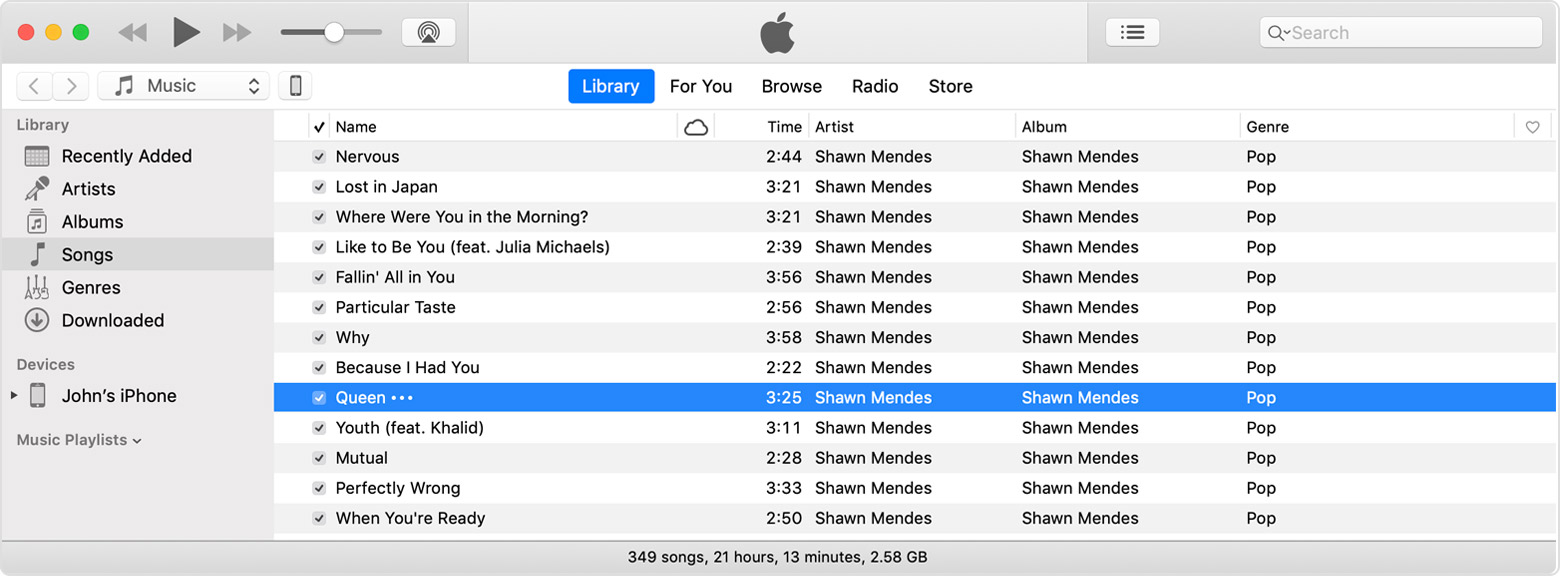
Step 4: Look in the left sidebar for your device, then drag the content to your iPhone, iPad, or iPod touch.