
To update your payment details for your Empower You Unlimited Audio Subscription on your Hay House account please follow the steps below.
*Please note: The change will take effect from your next billing date.
- Log into your account:
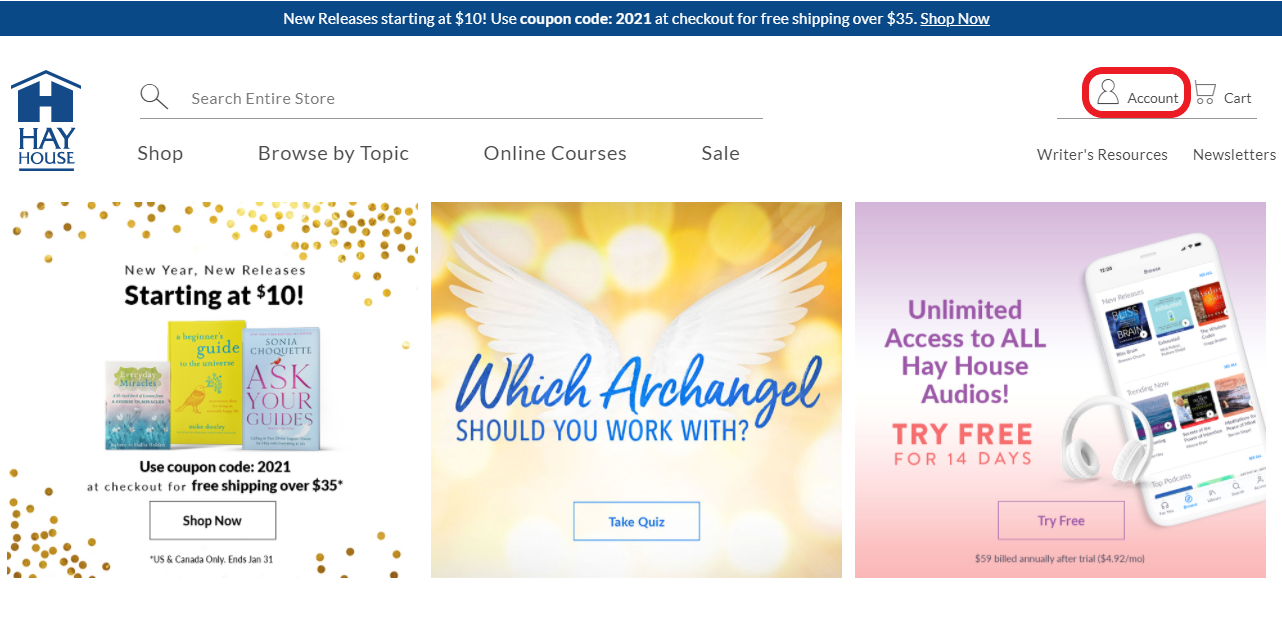
- In the upper right corner of your screen, click on the user icon

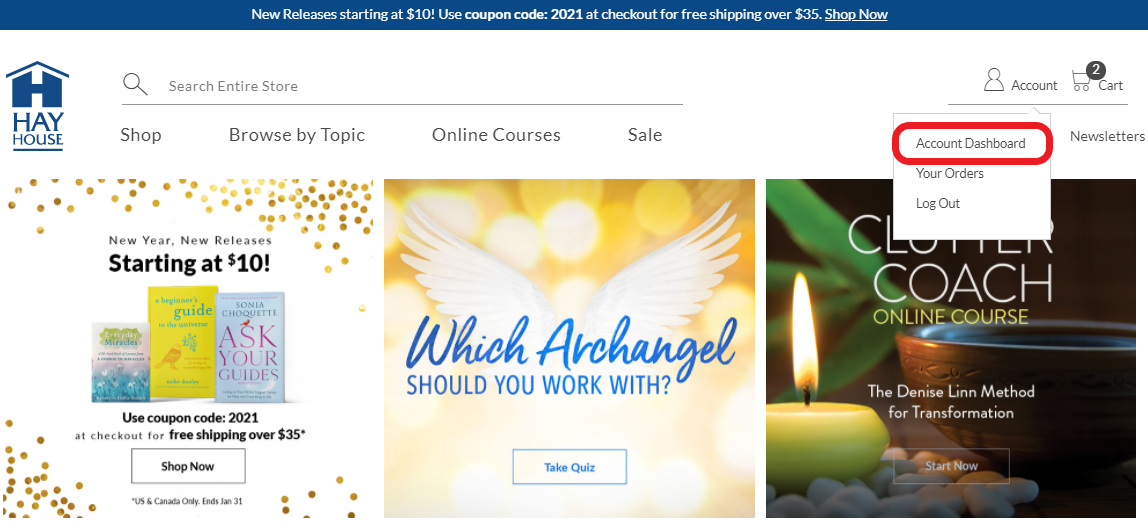
- Click on "Account Dashboard" from the drop-down menu
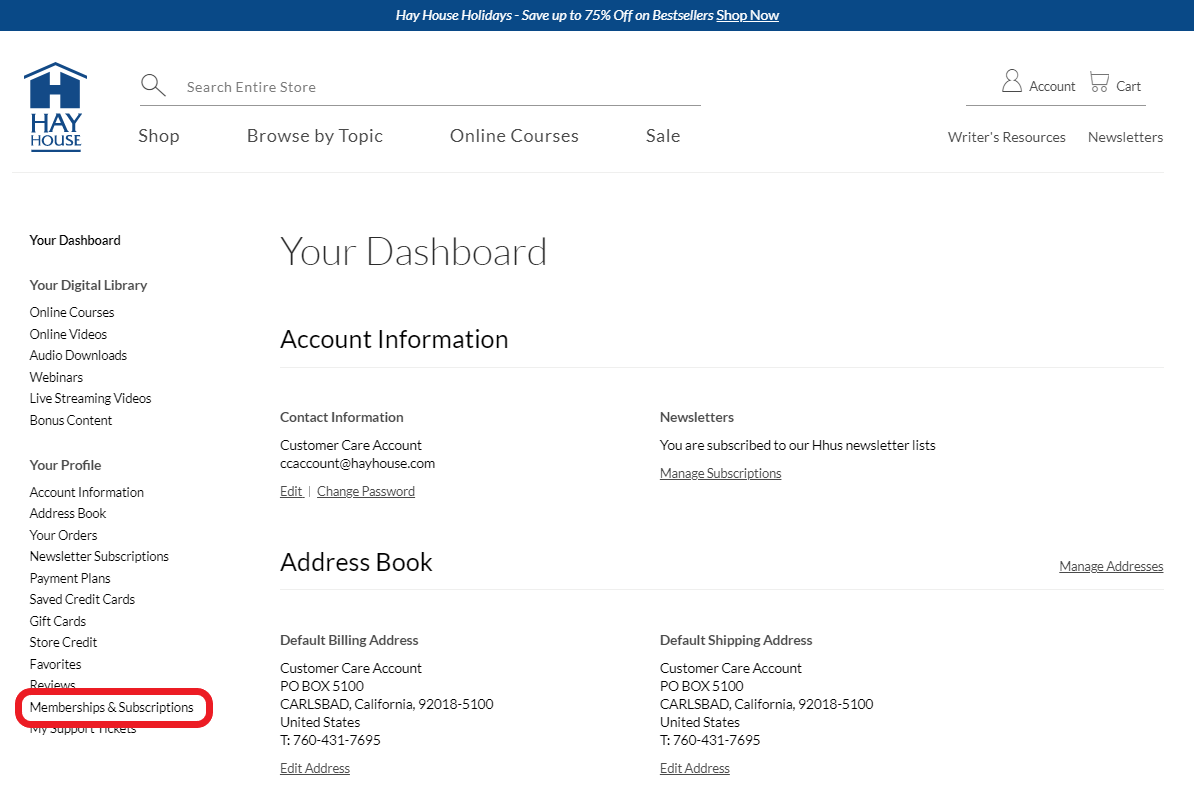
- From the "Your Profile" menu on the left side of the screen, click "Memberships & Subscriptions"
- From here click on ''Change Credit Card'' and you can select from the saved cards, or you can select “Add a new card”
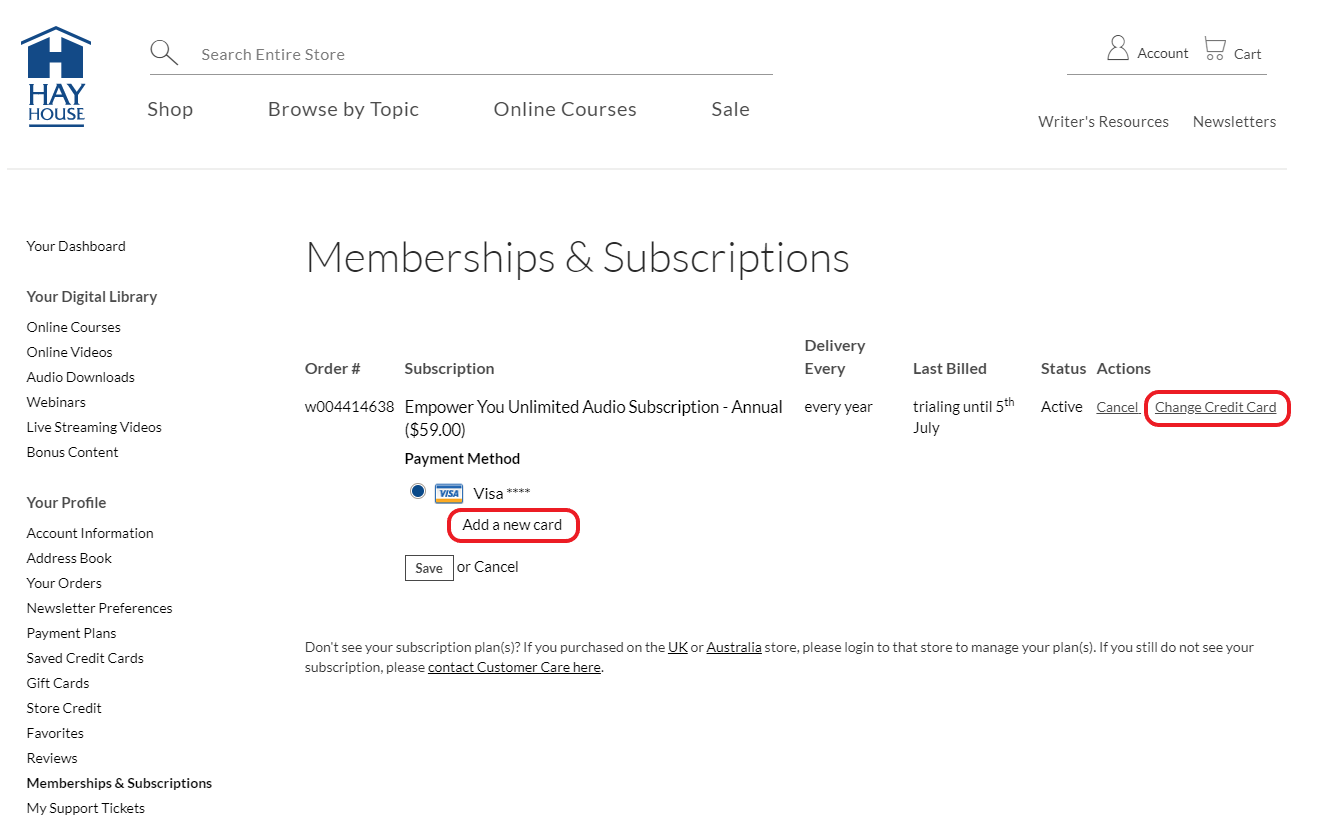
- To add a new card enter your card details including the expiration and the three numbers on the back and click "Save".
